Menus
Keep menus, hours, and item availability in sync when Otter pushes changes to your integrated service.
Overview
Use this when Otter is the source of menu changes and your app applies them on a marketplace, POS, or other target. Otter sends webhook events; you perform the operation on the target and report results via callback endpoints.
How it fits
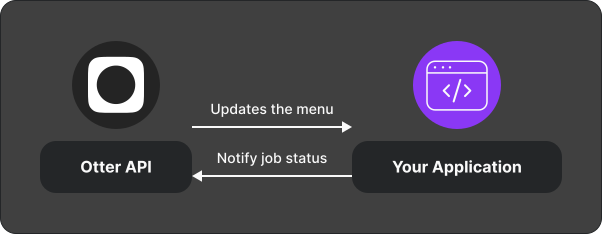
Integration overview
- Receive a menu-related webhook (publish, hours, availability, or send menu).
- Apply the change on the integrated service.
- POST the result to the matching callback endpoint — or report a failure.
Test
- Register webhooks and validate signatures.
- Walk through Publish a menu with a test store.
Related
- Menus Manager — when your app owns the menu catalog
- API reference
Next
Start with Publish a menu. Before go-live, confirm error reporting via Handle failed events.