Upsert hours
Apply menu hour changes on your integrated service when Otter sends a Menu upsert hours (menus.upsert_hours) webhook.
Before you begin
- Menus overview
- Webhook receiver and callback auth in place
Steps
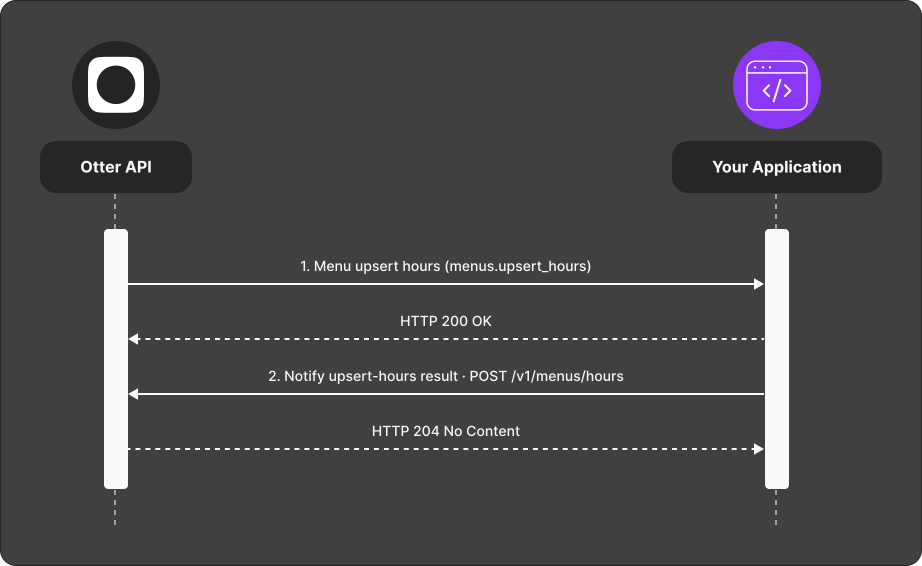
- Otter sends a Menu upsert hours (
menus.upsert_hours) webhook with the hours configuration for the store. - Update hours on the integrated service.
- POST the result to
POST /v1/menus/hours.
Verify
Change hours in Otter for a test store; confirm the target reflects the new schedule and the callback returns success.
Common failures
| Symptom | Likely cause | Fix |
|---|---|---|
| Hours not applied | Target API error | Report via Handle failed events |
| Partial day missing | Timezone or format mismatch | Align with API reference payload |